Summary
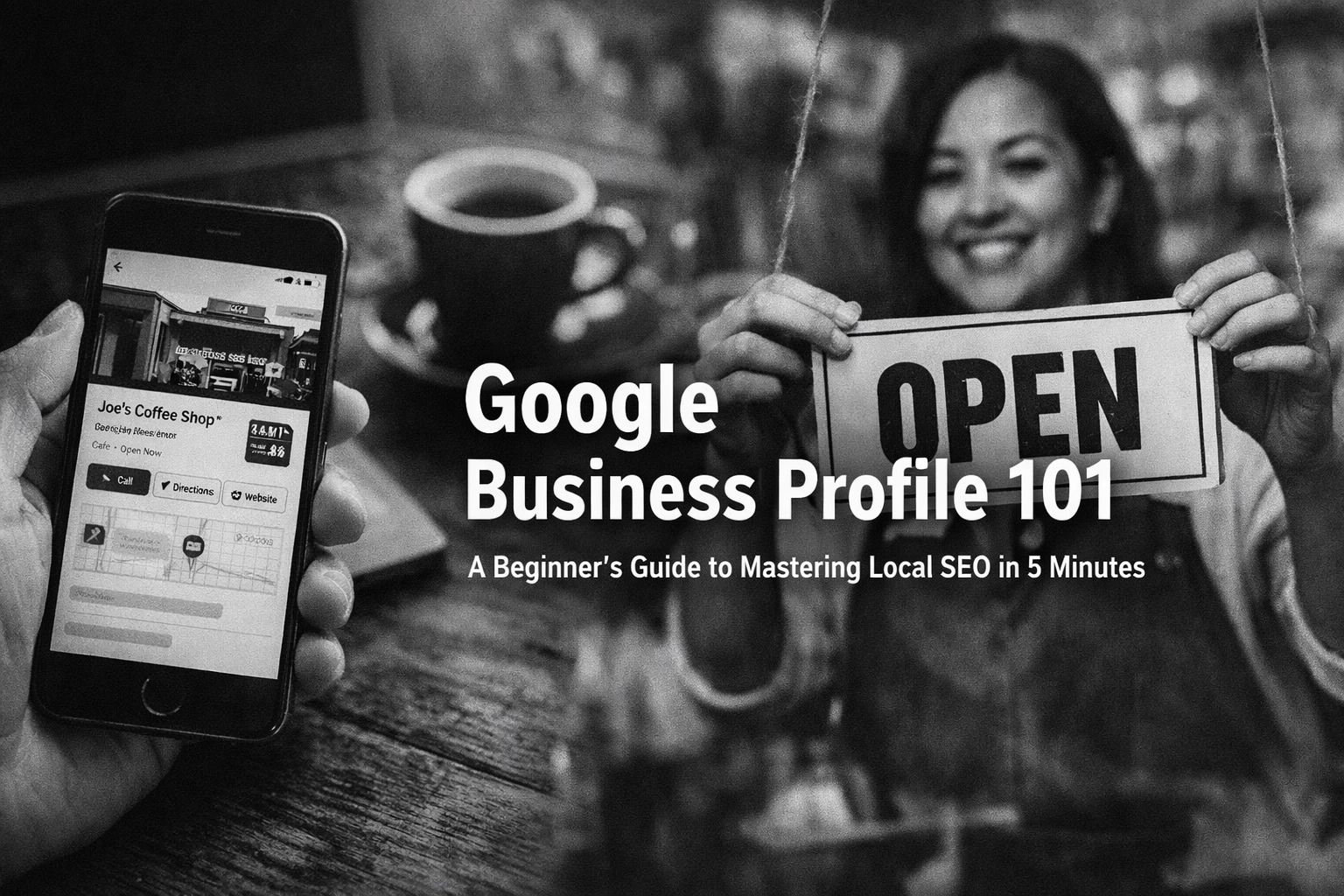
Your Google Business Profile is the digital storefront that shows up before your actual storefront does. This free tool puts your business on Google Maps and local search results, making you discoverable when customers are actively looking for what you offer. In this guide, we walk through the essentials: setting up your profile, optimizing it for local SEO, and managing it like a pro. Most importantly, we explore how this tool fits into your broader brand story and why thinking strategically about every customer touchpoint matters more than ever.
Why Your Google Business Profile Is Your New Best Friend
Let's be real: when was the last time you looked past the first three results on Google? Exactly.
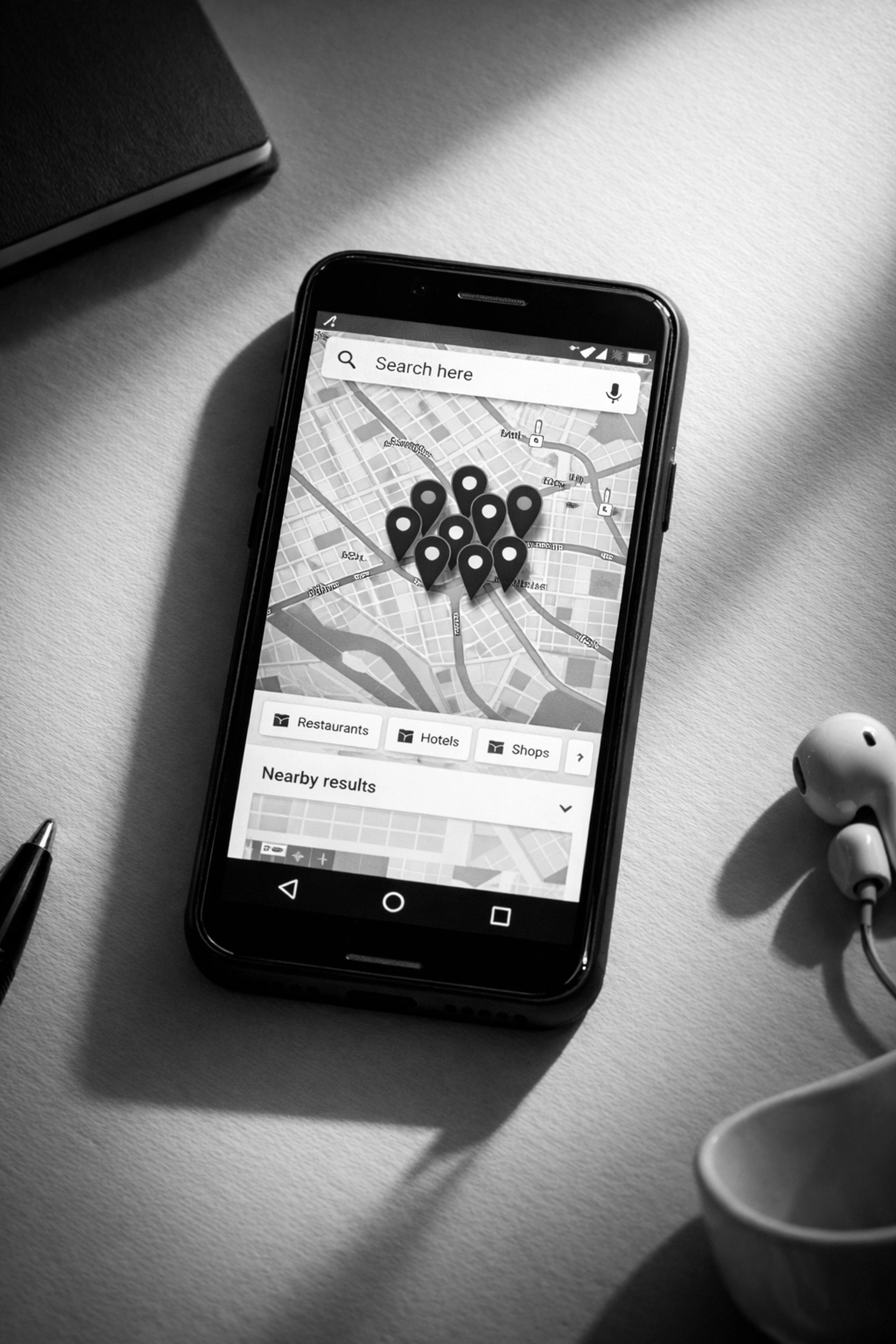
Your Google Business Profile (formerly Google My Business) is basically free real estate on the world's busiest digital highway. When someone searches for "digital marketing agency near me" or "best podcast production in Austin," Google does not just show them a list of websites. It shows them a map with pins, business hours, phone numbers, reviews, and photos, all before the traditional search results even appear.
If you are not showing up there, you are invisible to a huge chunk of potential customers who are ready to buy right now.
The Five-Minute Setup That Changes Everything
Getting started with your Google Business Profile is surprisingly straightforward. You do not need a computer science degree or a marketing budget. You just need five minutes and some basic information about your business.
Step One: Claim Your Territory
Head over to business.google.com and log in with a Google account. If your business already exists in Google's system (maybe a customer added it, or Google pulled it from public records), you can claim it. If not, you will create a new listing from scratch.
Step Two: Fill In The Basics
This is where accuracy matters more than creativity. Enter your exact business name as it appears everywhere else online. Consistency is key here, if your website says "Gurupresario Digital Marketing" but your profile says "Gurupresario," Google gets confused, and confused algorithms do not rank you well.
Add your primary business category. For service-based businesses like ours, you can add multiple categories, but choose your main one carefully. This tells Google what you actually do and helps match you with the right searches.
Include your address (if you have a physical location), phone number, and website URL. Again, make sure these match what is on your website, social media, and everywhere else online. Google loves consistency like a cat loves knocking things off tables, obsessively.
Step Three: Verify Your Business
Google wants to make sure you actually own or manage the business before handing you the keys. Verification usually happens via postcard to your business address, though sometimes you will get options for phone, text, or email verification.
Yes, waiting for a postcard feels like sending a fax in 2026, but it is a necessary evil. Once that code arrives, enter it, and boom, you have got full control of your profile.

Optimization Is Where The Magic Happens
Setting up your profile is like buying a camera. Optimizing it is like actually learning how to take good photos.
Nail Your Business Description
You have got 750 characters to tell people what you do and why they should care. This is not the place for corporate jargon or vague promises. Be specific. Be helpful. Be human.
Instead of "We provide innovative solutions for businesses," try something like "We help small businesses tell their brand stories through podcasting, video production, and strategic content creation. From attorneys to dentists to tech executives, we turn founders into thought leaders."
See the difference? The second version tells people exactly what you do and who you help.
Load Up On Photos
Profiles with photos get 42% more requests for directions and 35% more clicks to their websites. People want to see who they are dealing with before they reach out.
Include photos of your team, your workspace, your work in action, and even behind-the-scenes moments. Black and white imagery can give your profile a sophisticated, timeless look that stands out from the sea of color-saturated competitors.
List Your Services With Detail
Google lets you add specific services or products to your profile. Do not just list "Marketing Services." Break it down: Podcast Production, Video Content Creation, Brand Strategy, Social Media Management. Each service can have its own description and even a URL linking to that specific page on your website.
This level of detail helps Google match you with more specific searches and gives potential customers a clear picture of what you offer before they even click.

Keep Your Hours Current
Nothing frustrates customers more than showing up to a closed business or calling during posted hours only to get voicemail. Keep your hours updated, including special holiday schedules.
If you are a service business without set hours, you can indicate that you operate by appointment only. Just make sure there is an easy way for people to book that appointment (hello, Calendly link in your profile description).
The Ongoing Management Game
Creating and optimizing your profile is not a one-and-done deal. Google Business Profile is a living, breathing part of your brand that needs regular attention.
Respond To Reviews (Yes, Even The Bad Ones)
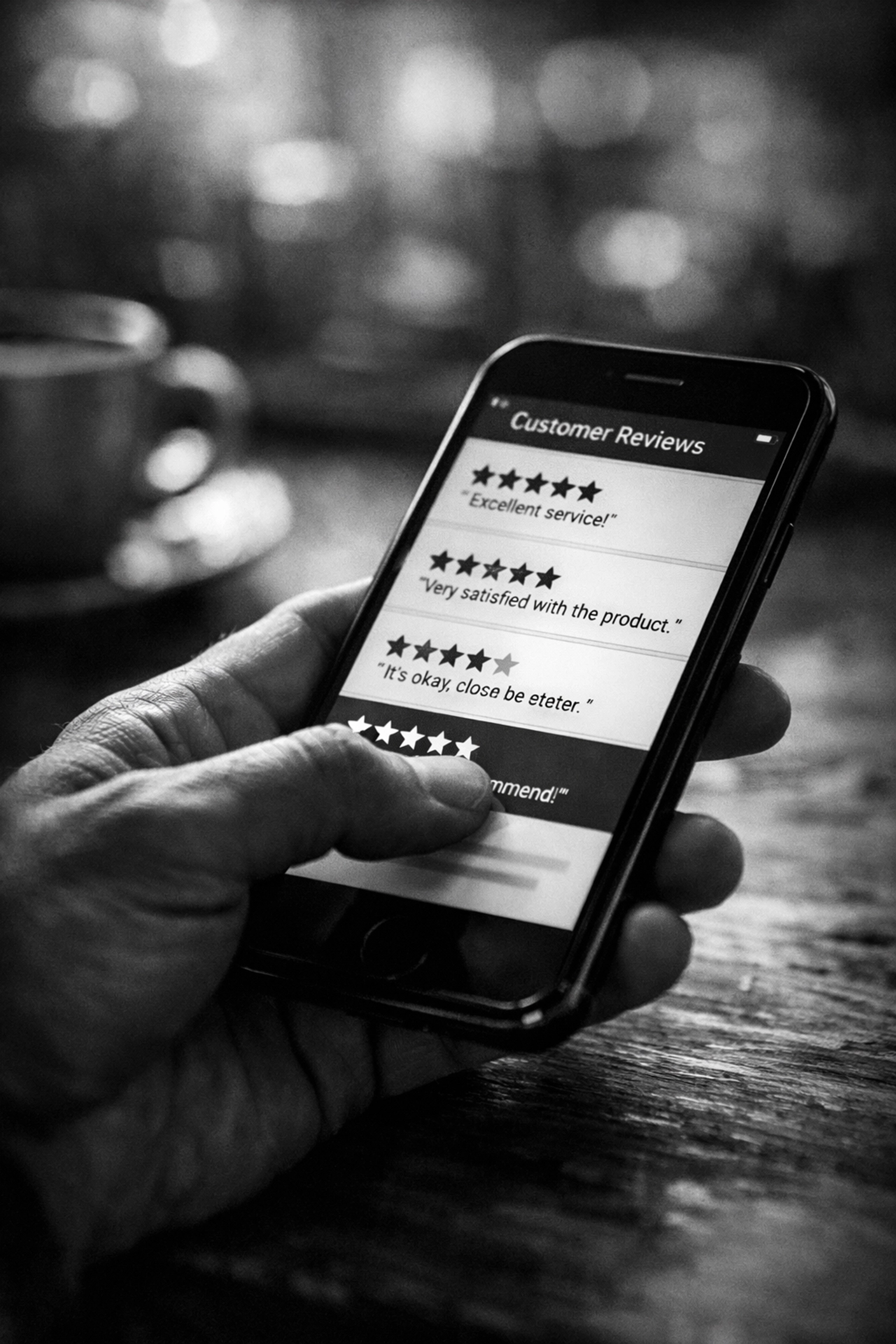
Reviews are social proof on steroids. People trust them more than they trust your own marketing. When someone leaves a review: positive or negative: respond thoughtfully and promptly.
Good reviews deserve a thank you. Bad reviews deserve a professional response that shows you care about customer experience and are willing to make things right. Future customers are watching how you handle both.
Post Regular Updates
Google Business Profile has a posting feature similar to social media. Use it. Share updates about new services, special offers, behind-the-scenes content, or helpful tips related to your industry.
These posts show up in your profile and signal to Google that your business is active and engaged. Active profiles rank better than abandoned ones.
Monitor Your Insights
The dashboard shows you how people find your profile, what actions they take, and where they are coming from. This data is gold for understanding what is working and what needs adjustment.
Are people finding you through direct searches for your business name, or through discovery searches for your services? The answer tells you whether you need to focus on brand awareness or category positioning.
The Bigger Picture: Your Profile Is Part Of Your Brand Story
Here is where most businesses miss the boat: they treat their Google Business Profile like a checkbox on a to-do list instead of a critical chapter in their brand story.
Every touchpoint a customer has with your business: your website, your social media, your Google profile, your podcast, your videos: tells a story. The question is whether that story is intentional and cohesive, or scattered and confusing.
At Gurupresario, we have spent years helping attorneys, doctors, dentists, and company executives understand that marketing is not about tactics in isolation. It is about crafting a compelling narrative that positions you as the authority in your space and builds trust with your audience before they ever pick up the phone.
Your Google Business Profile is often the first impression someone gets of your brand. What story is it telling? Is it saying "we are professional, responsive, and know what we are doing"? Or is it saying "we set this up three years ago and forgot about it"?
Local SEO Is Just The Beginning
Mastering your Google Business Profile will absolutely improve your local SEO and help more people find you. But if you want to build a brand that stands out in a crowded market, you need to think bigger.
You need to consider how video content positions you as a thought leader. How a podcast builds deeper connections with your audience. How founder-led content creates authenticity that generic marketing never can.
The businesses winning today are not just optimizing for search engines: they are building media brands around their expertise. They are creating content that educates, entertains, and builds trust long before someone becomes a customer.

Ready To Take Your Brand Beyond The Basics?
Setting up your Google Business Profile is a smart first step toward better local visibility. But if you are ready to think strategically about your entire brand presence: from content creation to podcasting to video production: we should talk.
Book a complimentary one-on-one session with a media marketing expert at https://calendly.com/mausanchez/meet or give us a call at (512) 988-5194. Let's explore how storytelling and strategic content can transform your business from just another search result into a brand people remember and trust.


